One car. Any scene.
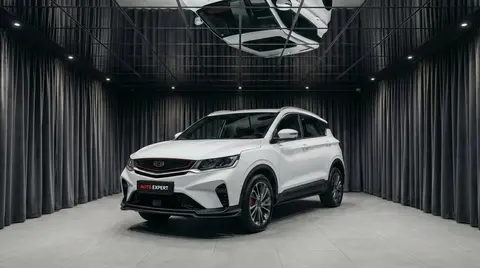
Shoot it on a phone wherever the car is parked. We swap the background, plate and view behind the glass in seconds. The body stays as shot.
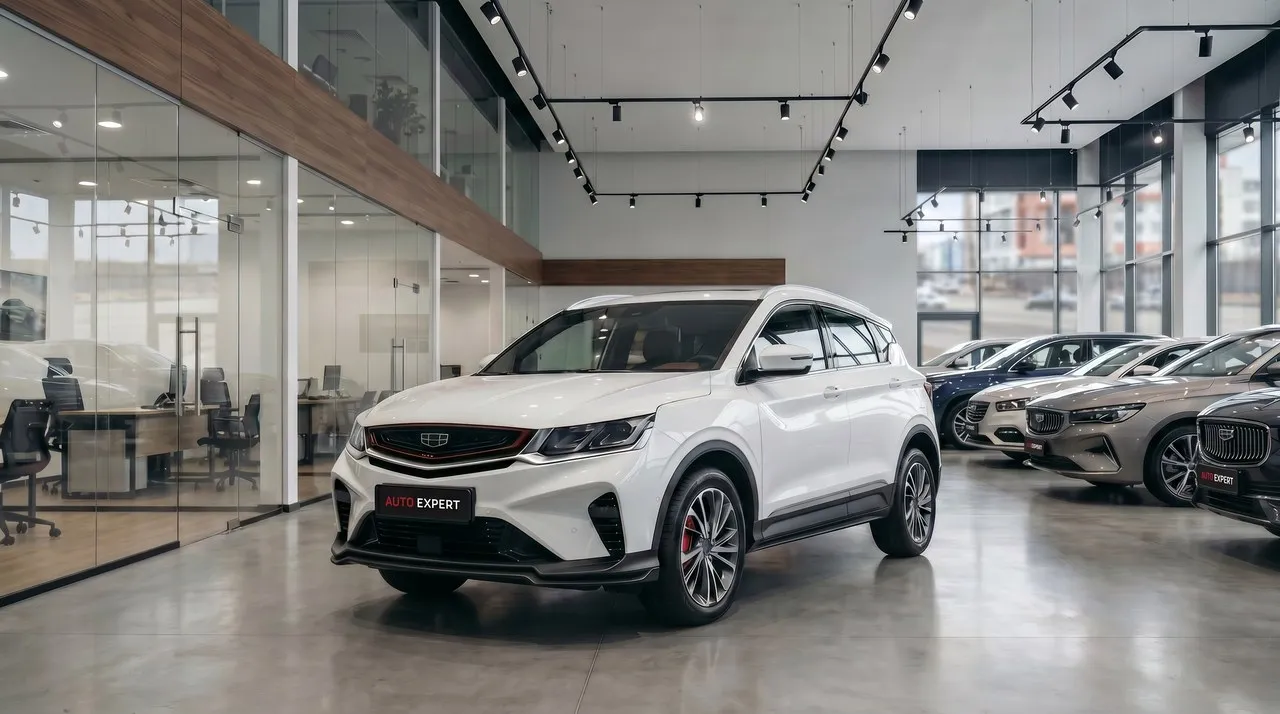
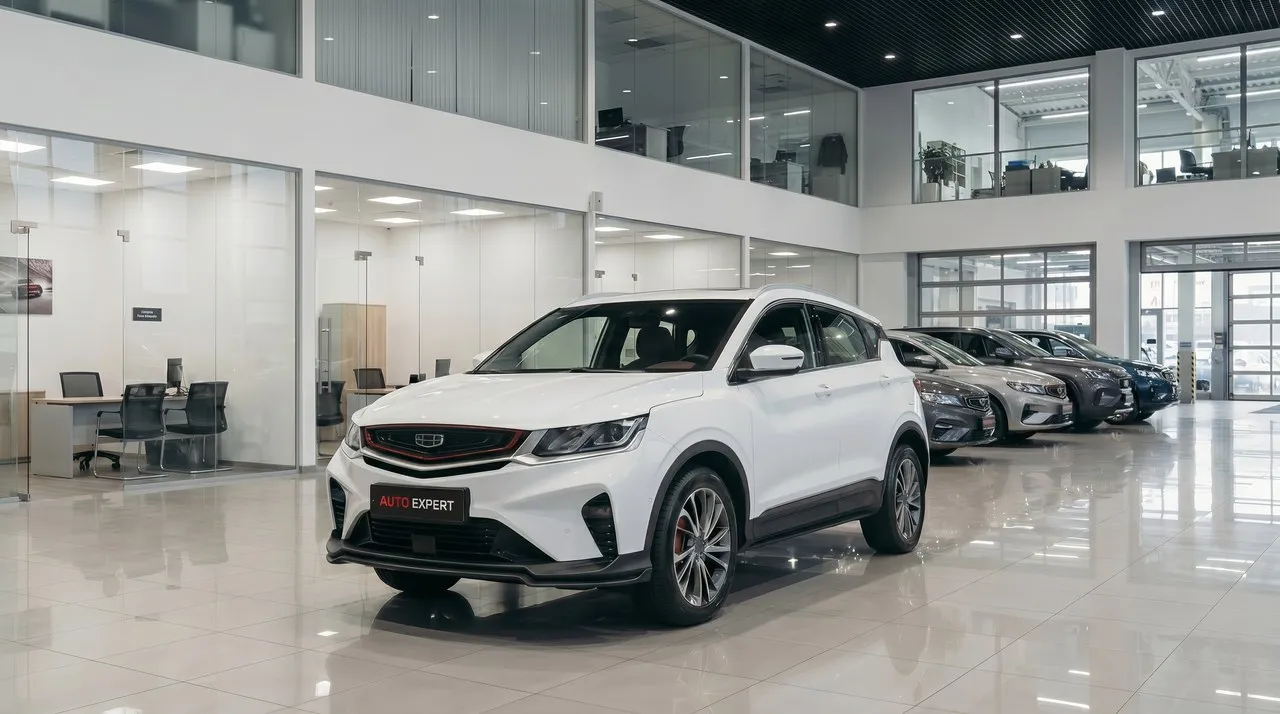
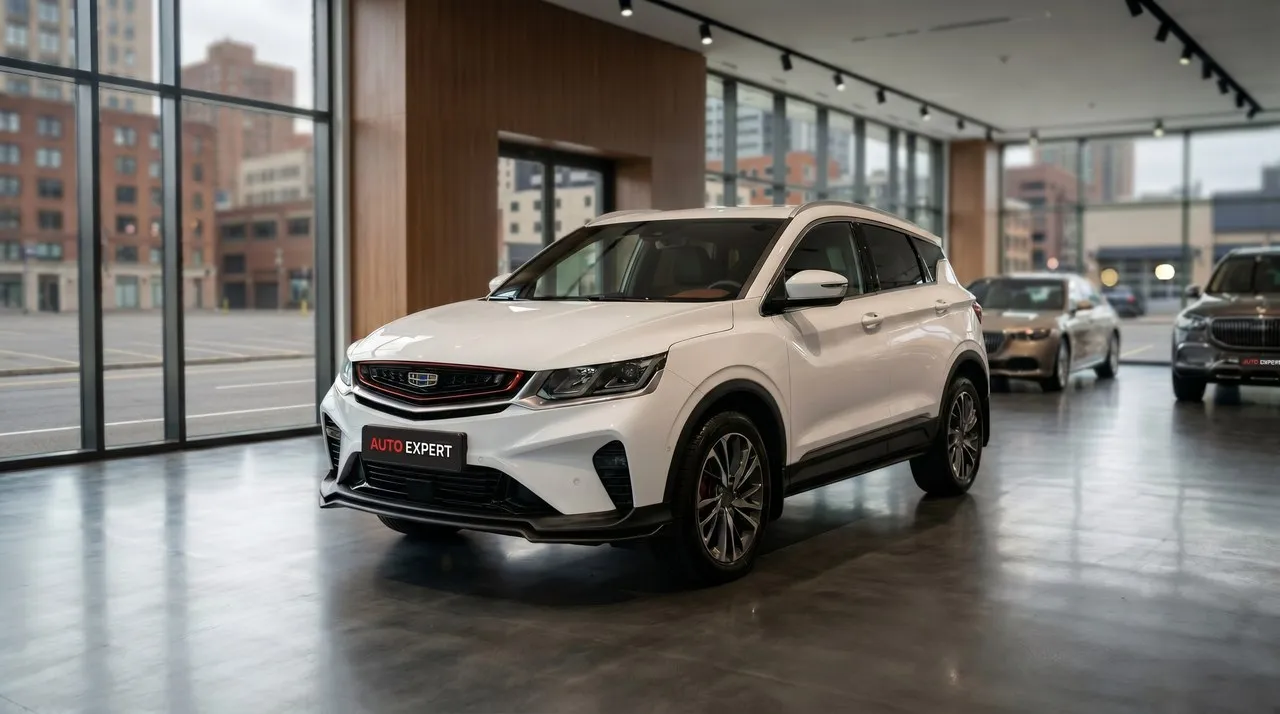
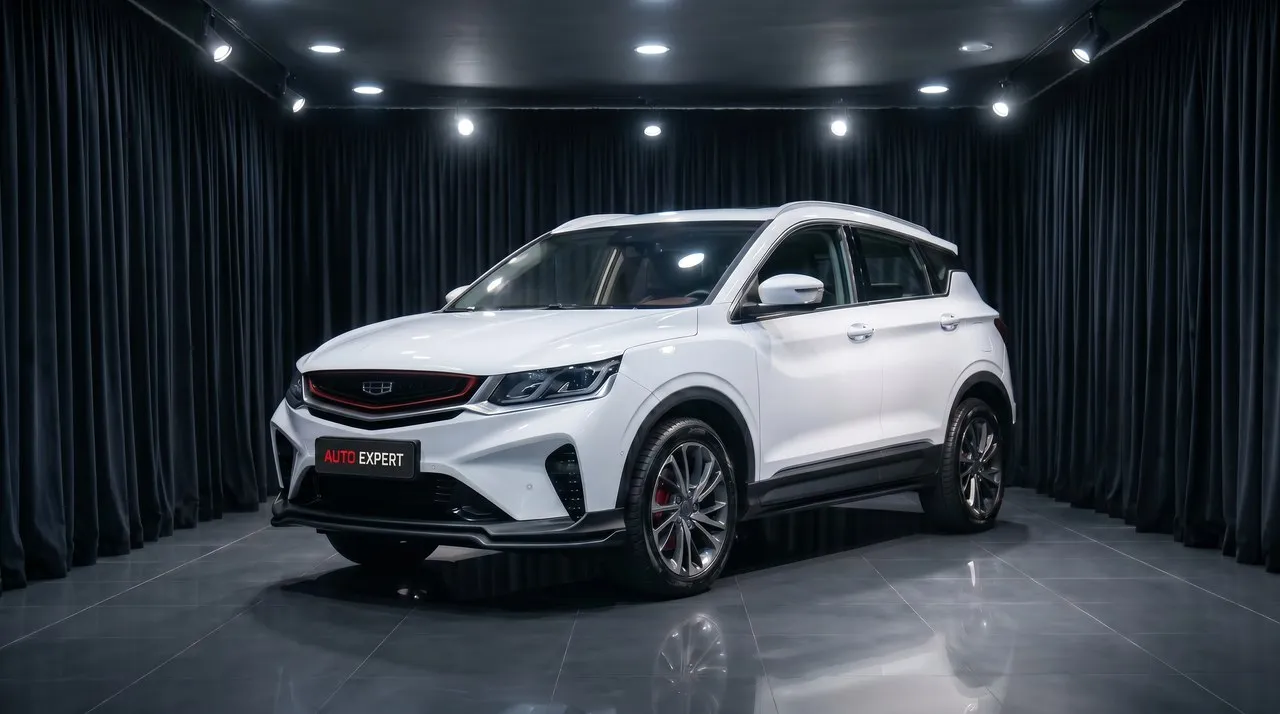
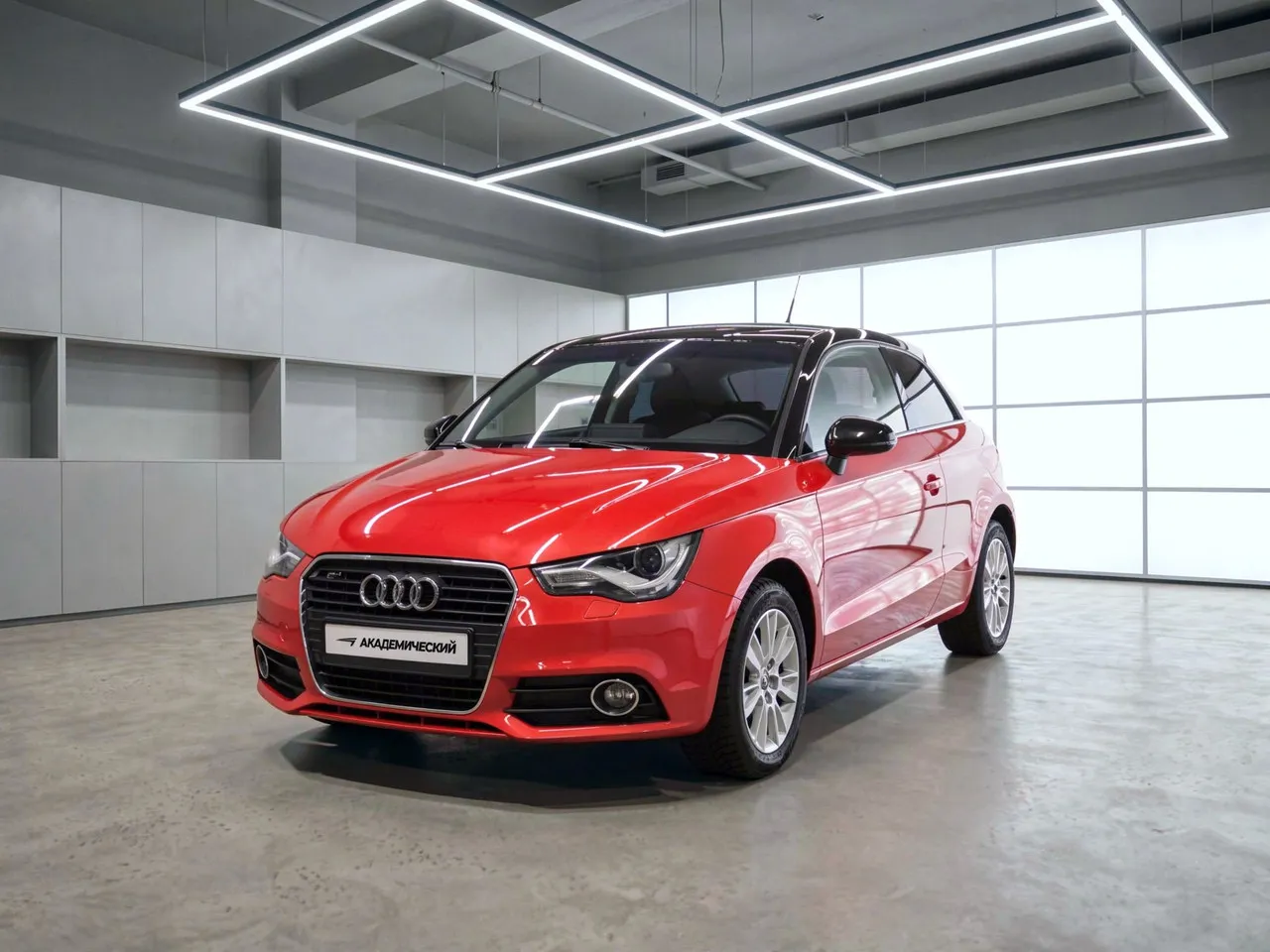
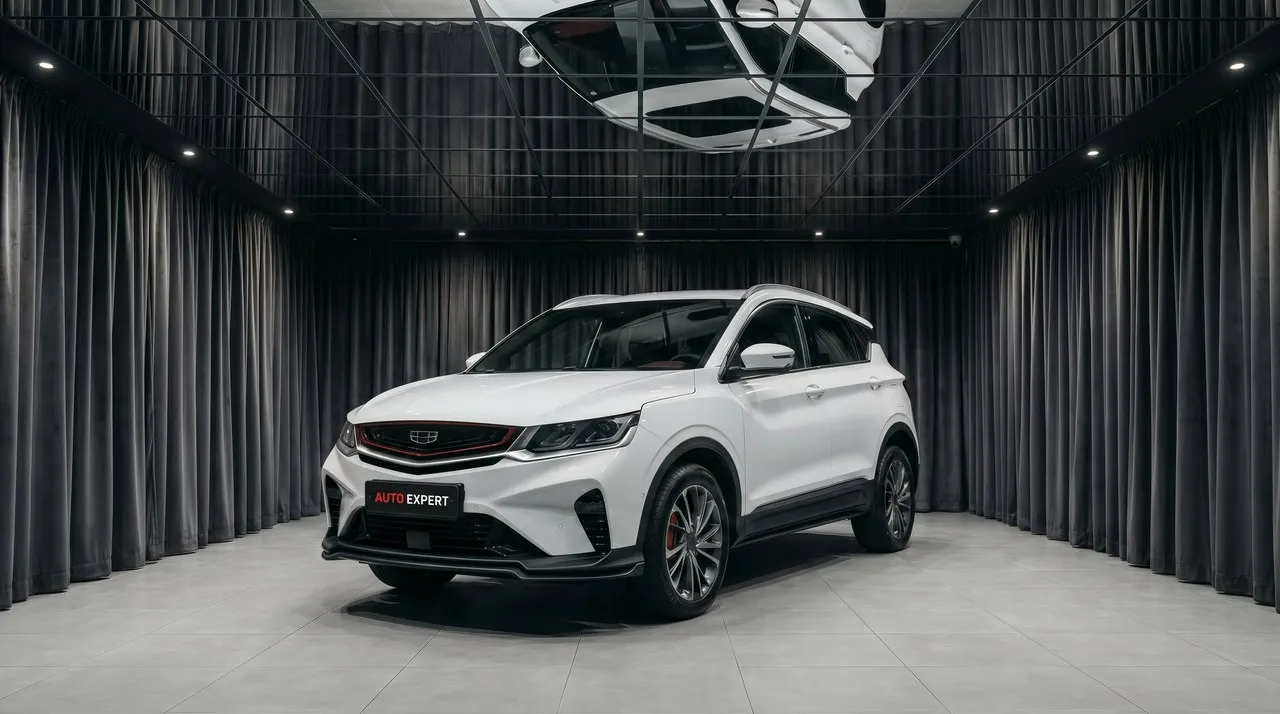
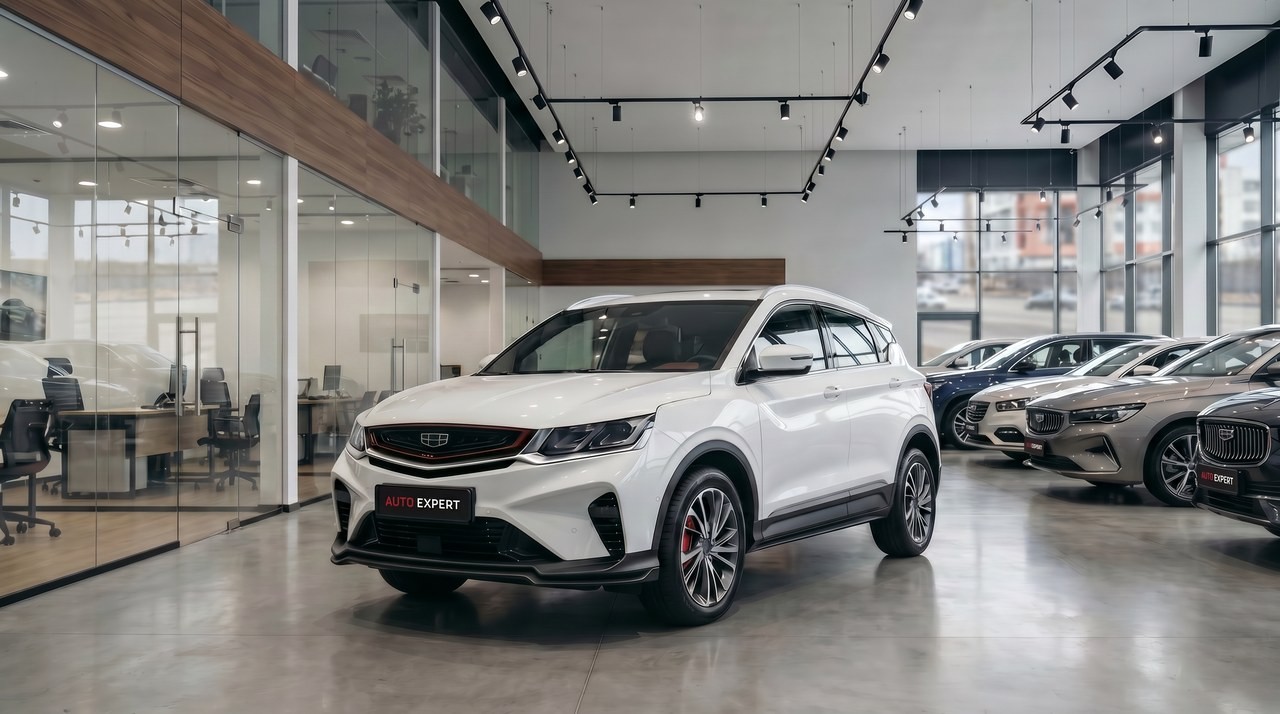 [diagram — we'll insert your interior photo; only the view behind the glass changes]
Shoot it as is. We do the rest.
A manager's phone, the car wherever it's parked. Hold the phone the way you need the photo: landscape or portrait.
- 01Shoot. Four angles around the car, any weather, no studio.
- 02Upload the folder. To the dashboard or via the API.
- 03Get your photos. In the same format, in the scene you picked, with your plate.
 0.5×1×2×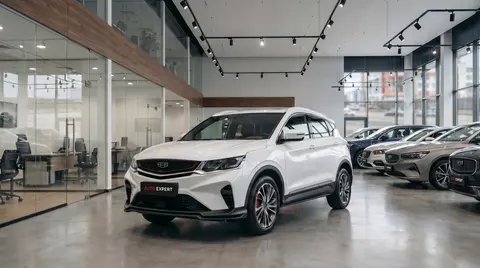
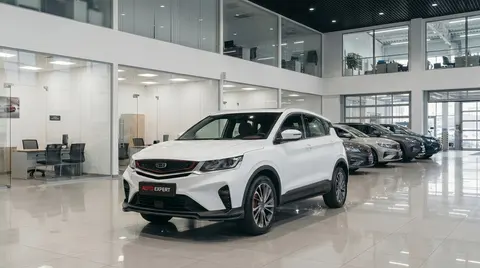
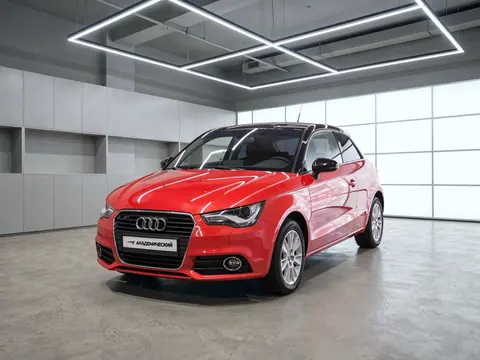
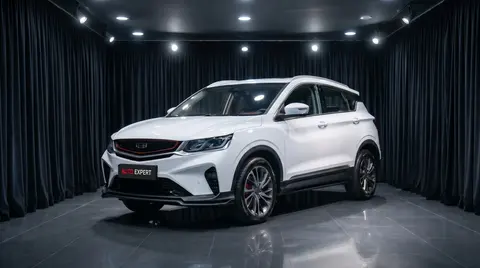 Background replaced · body as is4:3
- Websitecar page4:33:216:9
- Listingsmain photo4:3
- Facebookfeed1:1
- Instagramfeed1:1
- YouTubevideo thumbnail16:9
- Instagramreels, stories, feed9:164:53:41:1
- TikTokvideos9:16
- YouTubeshorts9:16
- Facebookreels, stories, feed9:164:53:41:1
0.5×1×2×Background replaced4:3- Websitecar page4:33:216:9
- Listingsmain photo4:3
- Facebookfeed1:1
- Instagramfeed1:1
- YouTubevideo thumbnail16:9
- Instagramreels, stories, feed9:164:53:41:1
- TikTokvideos9:16
- YouTubeshorts9:16
- Facebookreels, stories, feed9:164:53:41:1
- 01Shoot. Four angles around the car, any weather, no studio.
- 02Upload the folder. To the dashboard or via the API.
- 03Get your photos. In the same format, in the scene you picked, with your plate.
The body, as shot. Everything around it, your way.
Make, model, body type and dimensions come back with the photo.
- Returned with the photo
- Make
- [make]
- Model
- [model]
- Body
- crossover
- L × W × H
- [dimensions]
As shotAs you sell it[left — placeholder for your phone source photo][drag — phone source photo on the left]Behind the glass · bright showroom[diagram — we'll insert your interior photo]The interior stays as shot. Only what shows in the windows changes: a showroom or a city instead of the parking lot.
Who are you? We'll show you yours.
One product, different jobs: a dealer needs consistent inventory, a marketplace needs clean listings, an auction needs an honest photo. Pick yours.
- 01Used-car dealerDifferent people shoot your inventory in different conditions, so the listings never match.See the scenes →
- 02Marketplace or classifiedsA million listings from private sellers, each one shot any old way.See the scenes →
- 03Franchise dealerThe brand requires its own background and lighting, but there's no studio on the lot.See the scenes →
- 04Auction or leasingEvery vehicle has to look consistent, but honest: the damage stays in the photo.See the scenes →
- 05Fleet or car-sharingA thousand cars, shot on phones, with no common standard.See the scenes →
- 06Private sellerThe car is parked by the house, with neighbors and trash cans in the photo.See the scenes →
- 01Used-car dealerDifferent people shoot your inventory in different conditions, so the listings never match.See the scenes →
- 02Marketplace or classifiedsA million listings from private sellers, each one shot any old way.See the scenes →
- 03Franchise dealerThe brand requires its own background and lighting, but there's no studio on the lot.See the scenes →
- 04Auction or leasingEvery vehicle has to look consistent, but honest: the damage stays in the photo.See the scenes →
- 05Fleet or car-sharingA thousand cars, shot on phones, with no common standard.See the scenes →
- 06Private sellerThe car is parked by the house, with neighbors and trash cans in the photo.See the scenes →
Three ways to connect
Read before the shoot
All articles →All →30 frames — free.
Upload yesterday's shoot and see your inventory in one scene. No card required.
Frequently asked questions
Do you change the car in the photo?
No. Only what's around the car changes: the background, the plate, the view behind the glass. The body, wheels and interior stay as shot.
How realistic is the result?
The background, lighting, and contact shadow are recalculated for the new scene; the body itself is never repainted — color, chips, and scuffs stay exactly as they were in the source photo.
What about the license plate?
You specify the plate — a dealer plate, blurred, or anything else. The system fits it into the photo's perspective and lighting.
How much does it cost?
Priced to your volume. You pay only for successful photos, and the first 30 frames are free.
Where do the photos go?
We never use your photos for training. In our cloud (API and dashboard) they're stored encrypted, with retention terms set in your contract. With an on-premise install, they stay on your servers — nowhere else.